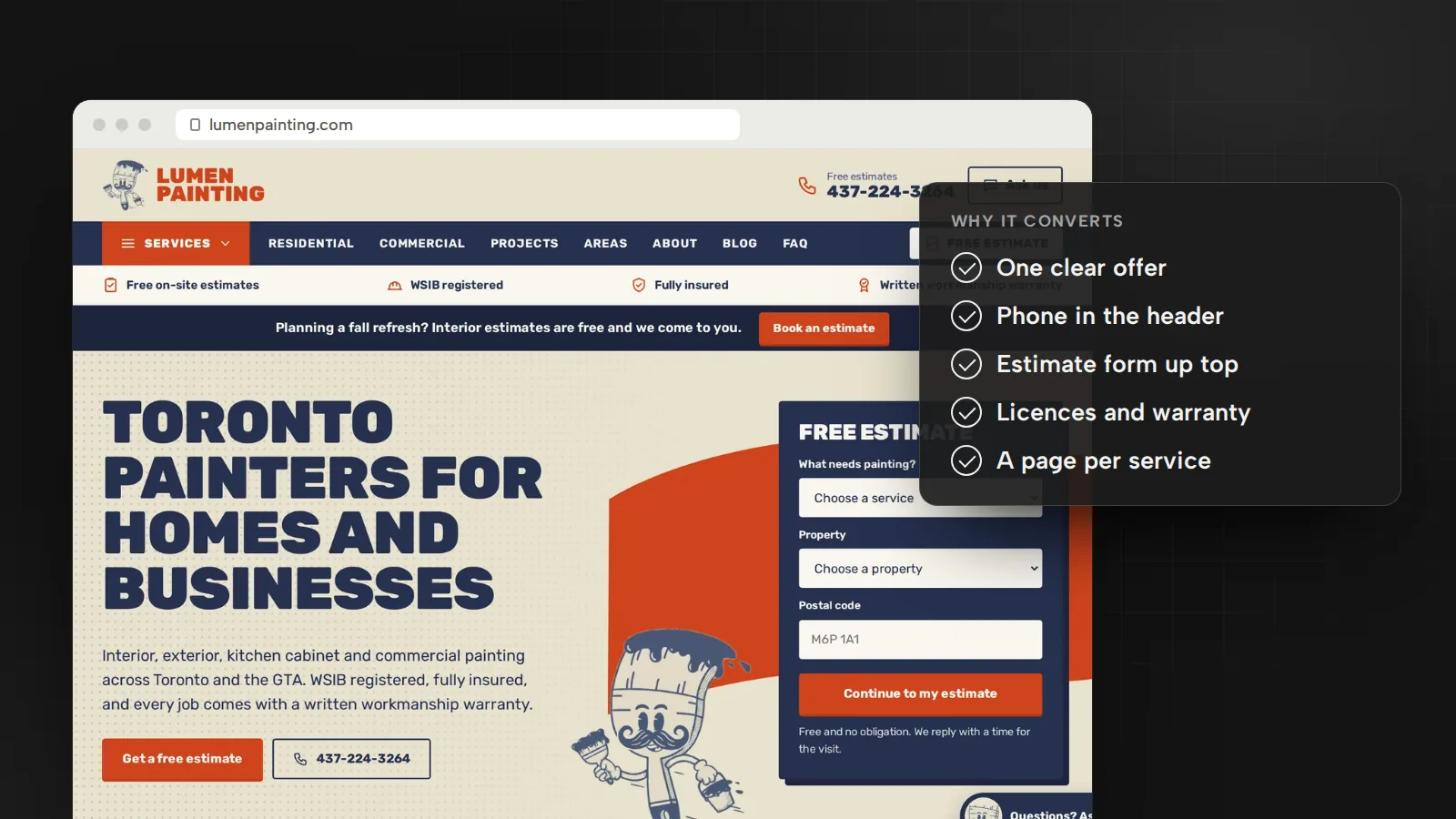
Two recent changes at Google matter for translated sites. In June 2025 Google dropped its advice to block automatically translated pages with robots.txt, and on October 1, 2026 it updated its guidance on AI-generated content, which now says a manual review before publishing is critical. The examples come from two sites I built: a five-language real estate website for Unsal Real Estate in Yalova, Türkiye, and a bilingual English and French website for Bloor West Medspa, a medical aesthetics clinic in Toronto.
Give every language its own URL
Google recommends a separate URL for each language version of a page, not cookies or browser settings that switch the language at one address. Googlebot usually crawls from the United States and sends no Accept-Language header, so on a page that adapts to each visitor, Google may not find the other languages.
Then make each version a complete page:
- One language per page. Google detects the language from the visible text, not from the
langattribute or the URL, and advises against side-by-side translations. - The main content translated, not just the menus. Google treats language versions as duplicates only when the main content stays untranslated.
On the Unsal Real Estate site, each of the five languages (Turkish, English, French, German and Russian) has its own addresses, so search engines show the right version to the right person.
Choose subfolders, subdomains or country domains
Google compares four ways to organize language and country versions:
- Country domains, such as
example.de: clear geotargeting and easy to separate, but they cost more, need more infrastructure and each targets only one country. - Subdomains, such as
de.example.com: easy to set up and separate, but visitors may not know whether “de” means the language or the country. - Subfolders, such as
example.com/de/: easy to set up and low maintenance on one host, but harder to separate later. - URL parameters, such as
?loc=de: not recommended.
For most small and mid-size businesses, I recommend subfolders: one website, one hosting account and a folder per language, such as /fr/. A country domain pays off when you operate in that country and can show the local signals Google lists: a local address and phone number, local currency, links from local sites and your Business Profile.
Start from local search terms, finish with a human editor
Google’s SEO Starter Guide tells you to think about the words people search for, since different people use different words for the same thing. In another language, research each market’s own terms instead of translating your English keyword list. On the Unsal Real Estate site, area guides, buying guides and listing pages are planned around what buyers type, in each language. After launch, Search Console’s Performance report shows the queries for each version: filter by URLs containing the language folder, then by country.
Machine translation can give you a first draft. Google dropped the robots.txt advice to align with its March 2024 spam policy update, and today its scaled content abuse policy covers pages generated in bulk, including through automated translation, that give users little value.
If an AI tool does the translating, Google’s generative AI guidance applies too. It says it is critical to manually fact-check and review all AI-generated content for accuracy and trustworthiness before publishing, including titles, meta descriptions, structured data and image alt text. Have a fluent speaker check every page, starting with prices, measurements, legal terms and calls to action.
Translate titles, descriptions and slugs
Searchers see your title, description and URL before the page, so write them in each language, with the local terms from your research.
- Titles. Google asks for the same language and writing system as the page’s main content, and may pick a different title link when they don’t match. A Russian page gets a Russian title in Cyrillic, not English or a Latin transliteration.
- Meta descriptions. One per page, in that page’s language. Google says identical or similar descriptions on every page aren’t helpful when individual pages appear in search results.
- Slugs. Google recommends words in your audience’s language in the URL, transliterated where that applies, such as
/lebensmittel/pfefferminzfor German searchers. In links, percent-encode characters outside the ASCII range:gem%C3%BCse, notgemüse.
Then translate the rest: image alt text, structured data, buttons, form labels and error messages.
Connect the versions with hreflang and x-default
Hreflang annotations tell Google which pages are language or regional versions of each other, so it can show each searcher the right one. Google’s rules:
- Each version lists itself and every other version, with fully qualified URLs,
https://included. - Links go both ways. If two pages don’t point to each other, Google ignores the tags.
- Use an ISO 639-1 language code, optionally followed by an ISO 3166-1 Alpha 2 region code:
fr, orfr-CAfor French in Canada. A country code alone is invalid, because the first code is always the language:bemeans Belarusian. - Google recommends
x-defaultas the fallback for visitors whose language settings match none of your versions. It was designed for language selector pages and takes no language code.
For a site with /en/ and /fr/ folders and a language selector at the root, every version carries the same three annotations: en for the English page, fr for the French page and x-default for the selector. If you run English pages for several countries, such as en-CA and en-US, Google suggests a generic en page too, for English speakers everywhere else.
Hreflang can go in the page head, in HTTP headers (useful for PDFs) or in your sitemap. Google treats the three as equivalent, so choose the one you can keep complete.
List every language version in your sitemap
On a site with hundreds of listings or products, a sitemap keeps every hreflang annotation in one file. Google’s rules:
- Declare the
xhtmlnamespace and give every URL, in every language, its own<url>entry with a<loc>. - In each entry, list every language version, the page itself included, as
<xhtml:link>elements, in any order. - Use absolute URLs, and split any sitemap over 50,000 URLs or 50MB uncompressed.
- Google uses
<lastmod>only when it’s consistently and verifiably accurate, and ignores<priority>and<changefreq>. - Submit it in Search Console’s Sitemaps report, or add a
Sitemap:line to robots.txt.
Generate the sitemap from the same data as the pages, so the two never disagree.
Suggest a language, never force one
Sending French speakers to /fr/ automatically feels helpful, but Google says to avoid automatic redirects between language versions, including redirects based on a guess at the visitor’s language. They can stop people and search engines from seeing all your versions. Google also advises against adapting content by IP address, which it calls difficult and generally not reliable.
Instead, link to the other languages from every page, each named in its own language, such as Français or Deutsch. On the Bloor West Medspa website, visitors switch to French in one tap. To go further, show a small banner that suggests the visitor’s language and let them choose.
Keep chat and form messages out of the translator
Translation tools should translate your content, not your customers’ messages. A chat transcript or a form confirmation can hold a name, a phone number or a health question, and if a translation script processes the whole page, that text can go to the service too.
On the Bloor West Medspa website, messages typed into the chat are never sent to the translator, so health details stay out of third-party tools. The same check works on any site:
- List every tool that translates your pages: a plugin, a browser script or an API.
- Exclude the chat window, forms, account pages and anything a visitor types.
- Deliver messages to your inbox or CRM as written, and have a person reply in the visitor’s language.
- Send a test message with a made-up name and check your browser’s developer tools to confirm it never reaches the translation service.
Consent for analytics is a separate step, covered in privacy, consent and tracking in Canada. Multilingual builds are part of my website development work, and the search side is part of SEO and AI search.
Sources
- Managing multi-regional and multilingual sitesGoogle Search Central, December 2025
- Tell Google about localized versions of your pageGoogle Search Central, September 2026
- URL structure best practices for Google SearchGoogle Search Central, December 2025
- Influencing your title links in search resultsGoogle Search Central, December 2025
- Control your snippets in search results (meta descriptions)Google Search Central, April 2026
- Search Engine Optimization (SEO) Starter GuideGoogle Search Central, December 2025
- Spam policies for Google web search (scaled content abuse)Google Search Central, August 2026
- Google Search’s guidance on using generative AI content on your websiteGoogle Search Central, October 2026
- Latest Google Search documentation updates (June 11, 2025 and October 1, 2026)Google Search Central, October 2026
- Build and submit a sitemapGoogle Search Central, July 2026
- Performance report (Search results): Advanced filtering and comparisonSearch Console Help, October 2026

Bugrahan Unsal is a B2B and B2C marketing director in Toronto. He leads marketing for Glass Railing Store and RF Transparent and builds AI tools and websites. More about Bugrahan.
Follow on LinkedIn (opens in a new tab)