In Google Ads you still control three things: the goal the system works toward, the limits it works within and how closely someone reads the reports. I manage more than $460,000 a year across Google and Meta for two brands, and this is how I would run a smaller account today.
What changed in 2025 and 2026
- January 23, 2025: campaign-level negative keywords began rolling out to all Performance Max advertisers, and Google said retailers could limit brand exclusions to Search text ads.
- April 30, 2025: Google announced channel performance and search terms reports for Performance Max, plus asset reports with impressions, clicks and cost.
- May 6, 2025: AI Max for Search campaigns was announced, rolling out globally in beta later that month.
- January 15, 2026: campaign total budgets opened in beta for Search, Performance Max and Shopping campaigns.
- April 15, 2026: Google announced that Dynamic Search Ads, automatically created assets and campaign-level broad match would be upgraded to AI Max, automatically from September 2026. A June 11 update moved Dynamic Search Ads to February 2027.
- June 2026: Google began relabeling “Maximize conversions with a Target CPA” as “Target CPA” and “Maximize conversion value with a Target ROAS” as “Target ROAS”, with no change in bidding.
- October 14, 2026: Google announced channel priority and budget allocation controls, rolling out to Search, Shopping, Performance Max and Demand Gen over the coming months.
AI Max for Search: what it does and what you control
AI Max is a one-click set of features you switch on in a Search campaign:
- Search term matching uses broad match and keywordless technology to reach searches your keywords miss.
- Text customization, formerly automatically created assets, writes headlines and descriptions from your landing pages, ads and keywords.
- Final URL expansion sends each person to the page on your site that best fits the search.
You still set brand controls at the campaign and ad group level, locations of interest at the ad group level and URL controls, and you can remove generated assets. The search terms report shows the headline and landing page behind each search. Google’s internal data says advertisers who turn AI Max on typically see 14% more conversions or conversion value at a similar CPA or ROAS. Treat that as Google’s average, not your forecast.
If your campaigns used automatically created assets or campaign-level broad match, check their settings: the upgrade turns on search term matching, plus text customization where automatically created assets were on.
Performance Max: more reports and real limits
Performance Max serves on Search, YouTube, Discover, Gmail, the Display Network, Search partners and Maps from one campaign. Since 2025 you can see where the money goes:
- Channel performance: a downloadable table of clicks, conversions and cost by channel, with diagnostics such as missing store locations that keep ads off Maps.
- Search terms: the searches that triggered your ads.
- Assets: impressions, clicks and cost next to the conversions each asset drives.
You can add up to 10,000 negative keywords per campaign and 1,000 at the account level, and they don’t match close variants. For brand names, use brand exclusions, which Google says also block clear misspellings and foreign scripts.
Audience signals and search themes are hints, not fences. Google says audience signals are “not a hard targeting criteria”, and search themes add to the searches Performance Max predicts rather than narrow them. With the new priority controls, low-priority channels can be capped at a share of the daily budget, on a best-effort basis.
Conversions, values and key events: the control that matters most
Bidding optimizes toward the primary conversion actions in a campaign’s goals. Secondary actions stay out of the Conversions column used for bidding and show only under All conversions. So the most important setting in your account is what counts as a conversion.
- Primary: the purchase, the qualified lead or the booked call.
- Secondary: page views, add-to-carts and sign-ups you want to watch but not bid on.
- Values: real order values for a store; for leads, a value per lead type based on how often each one closes. Conversion value rules let you value conversions from some locations higher.
- Offline sales: enhanced conversions for leads bring what happened to a lead in your CRM back to Google Ads.
For a new lead generation account, Google suggests mapping the lead-to-sale journey and including micro-conversions at first; bid on the real outcome once you have the volume. In Google Analytics 4, your most important actions are key events, and you can create Google Ads conversions from them, as my GA4 guide explains.
Platform numbers are claims, not sales. For the two brands I lead, I join Shopify orders with Google Ads, Meta Ads and GA4 in one view, so budget decisions start from real orders. That report is one of six marketing workflows worth automating.
Budgets and bidding for a smaller account
Google says the more conversion data you have, the faster its AI delivers results, and its Performance Max guidance is to make sure a campaign is not budget constrained. For a small account, that means fewer campaigns with enough budget each.
- Give bidding time. Google recommends judging Smart Bidding over periods with at least 30 conversions, such as a month or longer, and 50 for Target ROAS.
- Use a total budget for fixed dates. For a sale or launch, a campaign total budget spends one amount over a few days to a few weeks.
- Fund Google Search first. With the priority controls, campaigns fully fund high-priority channels before low-priority ones. To try Search partners or the Display Network, give them low priority and a cap.
- Check Display in Search campaigns. From February 2027, Search campaigns with the Display Network on lose today’s spend allocation. Google says low priority with a 50% allocation keeps the current setup.
Test before you trust the averages
I start with a test budget and only scale what works, and Google’s own tools make the AI Max decision testable.
- AI Max experiments split traffic and budget inside the same Search campaign: one share runs with AI Max off, the rest with it on. You can set them to apply the changes if results are favorable; if you don’t apply them, the settings revert.
- Plan around the limits. The experiment can’t be created for a campaign with a portfolio bid strategy, a shared budget, the Display Network turned on, text customization already on or another active experiment.
- Judge on money: cost per qualified lead, orders and profit, not clicks.
- Change one thing at a time, and run long enough to reach the conversion counts above.
A setup order and review routine
The order I would follow to set up a smaller account:
- Fix measurement: one primary action per goal that reflects revenue, with values, and everything else secondary.
- Set guardrails: account-level negative keywords for what you never sell, brand exclusions and URL controls.
- Consolidate into fewer campaigns, each with enough budget not to be limited.
- Test AI Max with an experiment, or review its settings if the upgrade already turned it on.
- Feed Performance Max: asset groups by product or service theme, your customer data as a signal and search themes in your customers’ words.
- Wait at least two weeks after turning on AI Max before making changes, as Google advises.
Then review on a schedule:
- Every week: search terms, filtered by the AI Max match type, and Performance Max search terms. Google says to review them every one to two weeks and to use negative keywords sparingly, so add them only for terms that keep wasting money.
- Every two weeks: the asset report, where text Google wrote is marked “Google AI” in the Added by column. Remove anything inaccurate or off-brand.
- Every month: the channel performance report, then Google’s conversions against real orders or CRM sales.
- At 30, 60 and 90 days: results against targets, then budget moves to what brings orders.
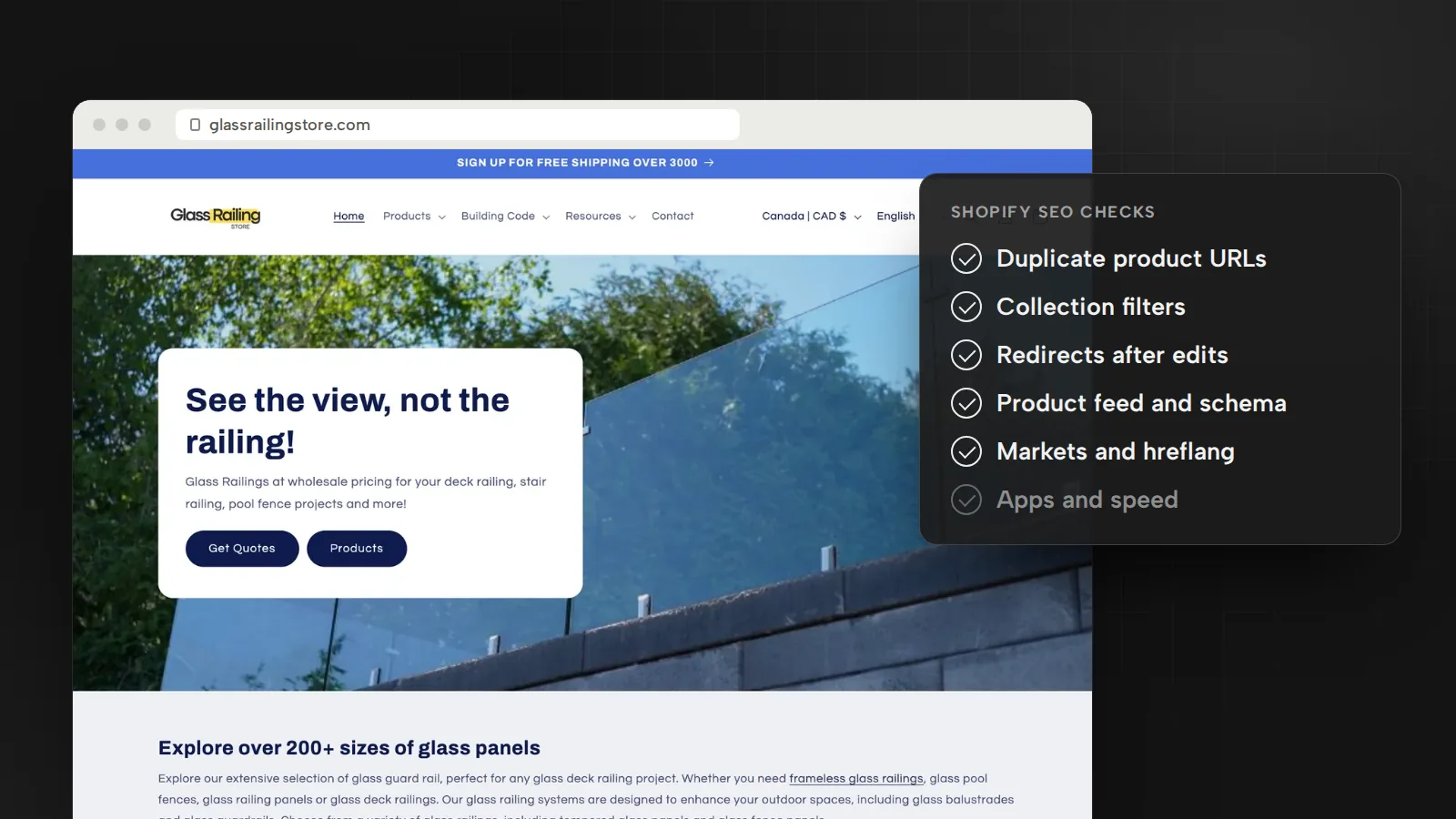
For Glass Railing Store and RF Transparent, reporting connects ad spend to Shopify orders, so these reviews become budget decisions. Setting up and reviewing accounts this way is part of my Google Ads and Meta Ads management and my work as a fractional marketing director.
Sources
- Kick off 2025 with new Performance Max featuresGoogle Ads & Commerce Blog, January 2025
- Channel performance and more reporting coming to Performance MaxGoogle Ads & Commerce Blog, April 2025
- Introducing AI Max for Search campaignsGoogle Ads & Commerce Blog, May 2025
- Campaign total budgets are now available in Search, Performance Max and Shopping campaignsGoogle Ads & Commerce Blog, January 2026
- We’re upgrading Dynamic Search Ads to AI Max (updated June 11, 2026)Google Ads & Commerce Blog, April 2026
- Guide your campaign spending with new priority and allocation featuresGoogle Ads & Commerce Blog, October 2026
- About reporting in AI Max for Search campaignsGoogle Ads Help, October 2026
- About AI Max experimentsGoogle Ads Help, October 2026
- Answering your top questions about Performance MaxGoogle Ads Help, October 2026
- About conversion goalsGoogle Ads Help, October 2026
- About Smart Bidding (bid strategy labels from June 2026)Google Ads Help, October 2026
- Conversions vs. key events in Google AnalyticsGoogle Analytics Help, October 2026

Bugrahan Unsal is a B2B and B2C marketing director in Toronto. He leads marketing for Glass Railing Store and RF Transparent and builds AI tools and websites. More about Bugrahan.
Follow on LinkedIn (opens in a new tab)