The risk is measurable. In Veracode’s 2025 GenAI Code Security Report, AI models introduced a vulnerability from the OWASP Top 10 in 45% of the test cases. Broken access control, where people can see or change data they shouldn’t, is number one on the OWASP Top 10:2025. And in May 2025, CVE-2025-48757 was published for apps made with an AI app builder whose databases lacked row-level security, which let anyone read or write their tables. None of this means you should stop building with AI. It means someone has to check the work.
1. Keep secret keys on the server
Anything the browser downloads is public: the page source, the JavaScript files and their source maps. Only keys that are meant to be public belong there, such as a database’s publishable key that row-level security protects. AI model keys, service-role keys and payment and email keys stay in server environment variables, and the browser talks to your own server, never straight to those services.
2. Enforce access on the server, not in the interface
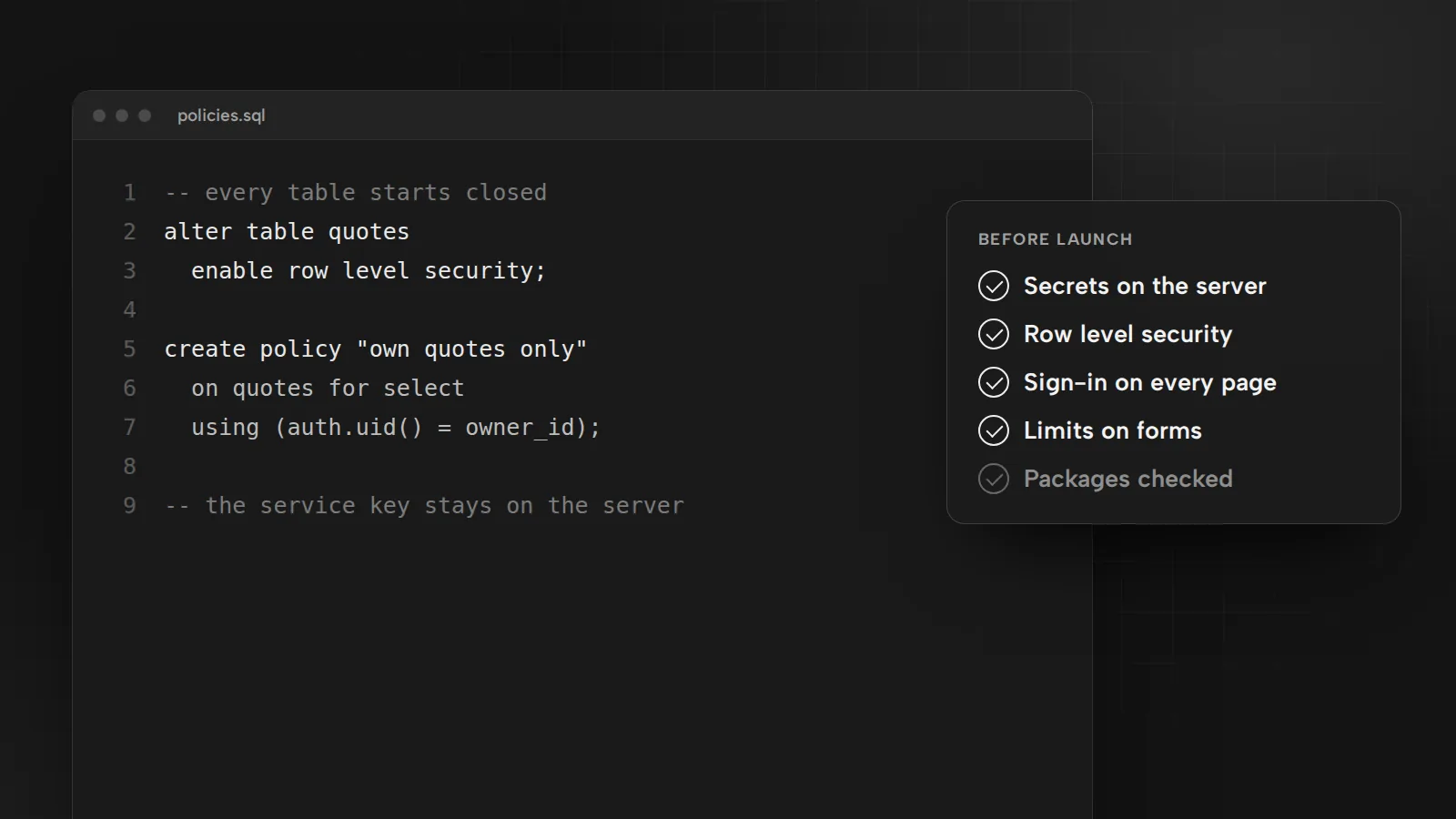
Hiding a button does not protect data. Anyone can call your API or database directly with the same public key the app uses. Turn on row-level security for every table, write a policy for each role and test it twice: as a logged-out visitor and as the lowest role you have.
3. Give each person only the access they need
A salesperson needs product files, not ad spend or supplier terms. Set access per role, remove people the day they leave and review the list every quarter.
4. Put nothing private in the page before login
AI-built apps often ship as one big file that loads before the login screen. If that file holds customer emails, supplier numbers, revenue figures or old comments, they are public, however good the login looks. Open the app in a private window, view the source and search the JavaScript for names, emails and numbers you would not post online.
5. Make file storage private by default
Storage that holds quotes, contracts, reports or customer photos should be private. Serve files through short-lived signed links that your server creates after it checks who is asking.
6. Check share links and logins on the server
Share links need an expiry date and a check on the server every time they are opened. Login limits work the same way: a lockout counted in the browser disappears when someone clears their storage or calls the login endpoint directly. Count failed attempts on the server and slow them down.
7. Add security headers
A Content Security Policy that allows only your own scripts stops most injected code from running. Add HSTS, frame-ancestors 'none' against clickjacking, X-Content-Type-Options: nosniff and a strict referrer policy. This website runs with a policy that blocks inline scripts on every page.
8. Pin the code you load from other sites
A script pulled from a CDN without a fixed version can change under you. Pin exact versions and add Subresource Integrity hashes, or host the files yourself. Software supply chain failures are number three on the OWASP Top 10:2025.
9. Keep secrets out of chats, tickets and git
Keys leak through screenshots, support tickets, AI chats and commits. Store them in your host’s secret settings, keep .env files out of git and rotate any key that was ever pasted somewhere it shouldn’t be.
10. Log access and keep an off switch
Record sign-ins, role changes and exports, and read them. Make sure you can remove a user, rotate a key or switch the app off in minutes. Security logging and alerting failures are on the OWASP Top 10:2025 too.
A one-hour test before launch
- Open the app logged out in a private window and try every address you know.
- Log in as the lowest role and try to open what that role should not see.
- Search the page source and the JavaScript for keys, emails and internal notes.
- Check the response headers in your browser’s developer tools.
- Run your package manager’s audit, such as
npm audit, and update what it flags.
Security checks are part of the launch step in every AI automation project I take on, and the same standard applies to the websites I build. For what to automate first, read six marketing workflows worth automating.
Sources
- AI-generated code poses major security risks in nearly half of all development tasksVeracode, July 30, 2025
- OWASP Top 10:2025OWASP Foundation
- CVE-2025-48757National Vulnerability Database, May 2025

Bugrahan Unsal is a B2B and B2C marketing director in Toronto. He leads marketing for Glass Railing Store and RF Transparent and builds AI tools and websites. More about Bugrahan.
Follow on LinkedIn (opens in a new tab)