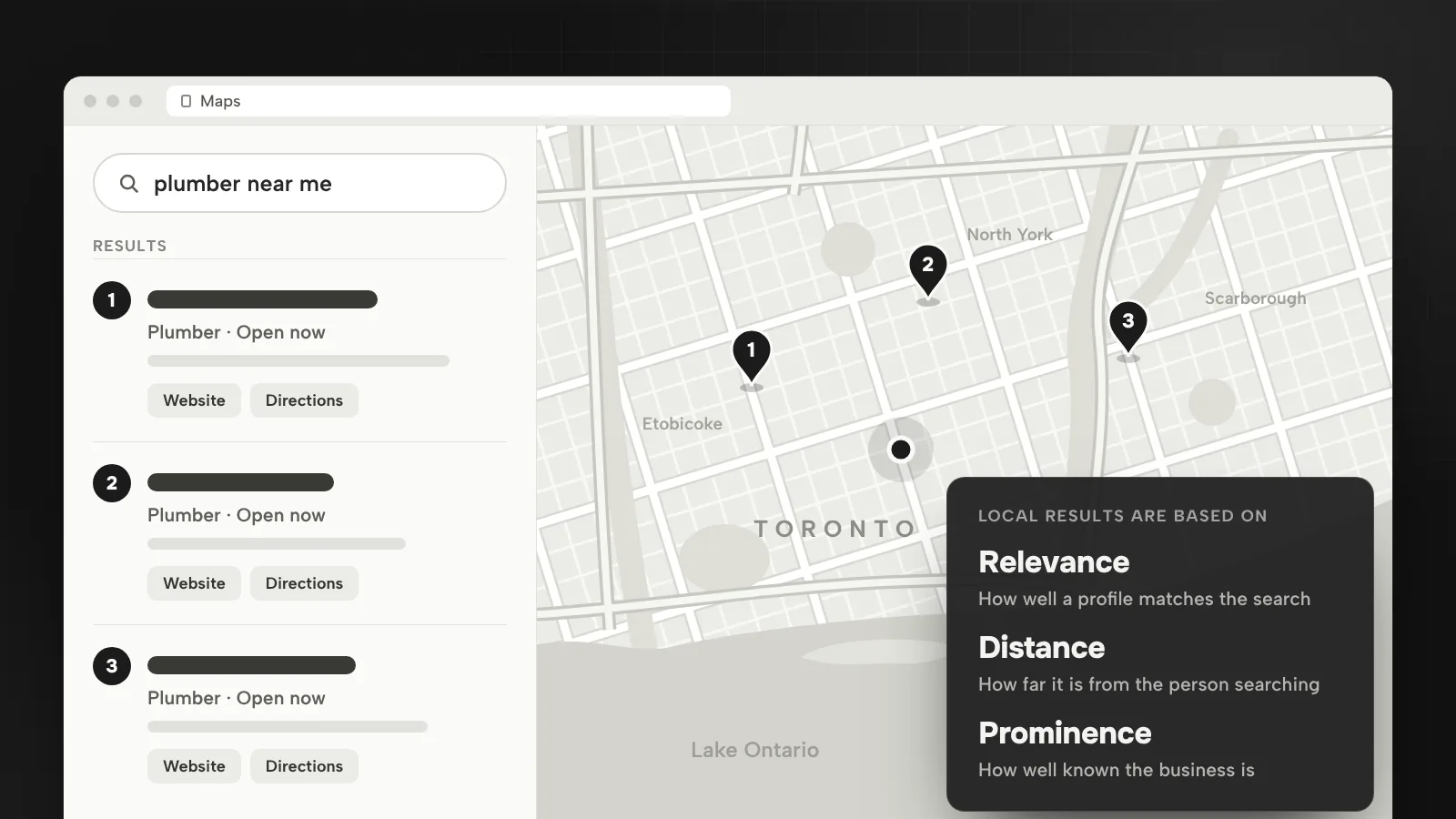

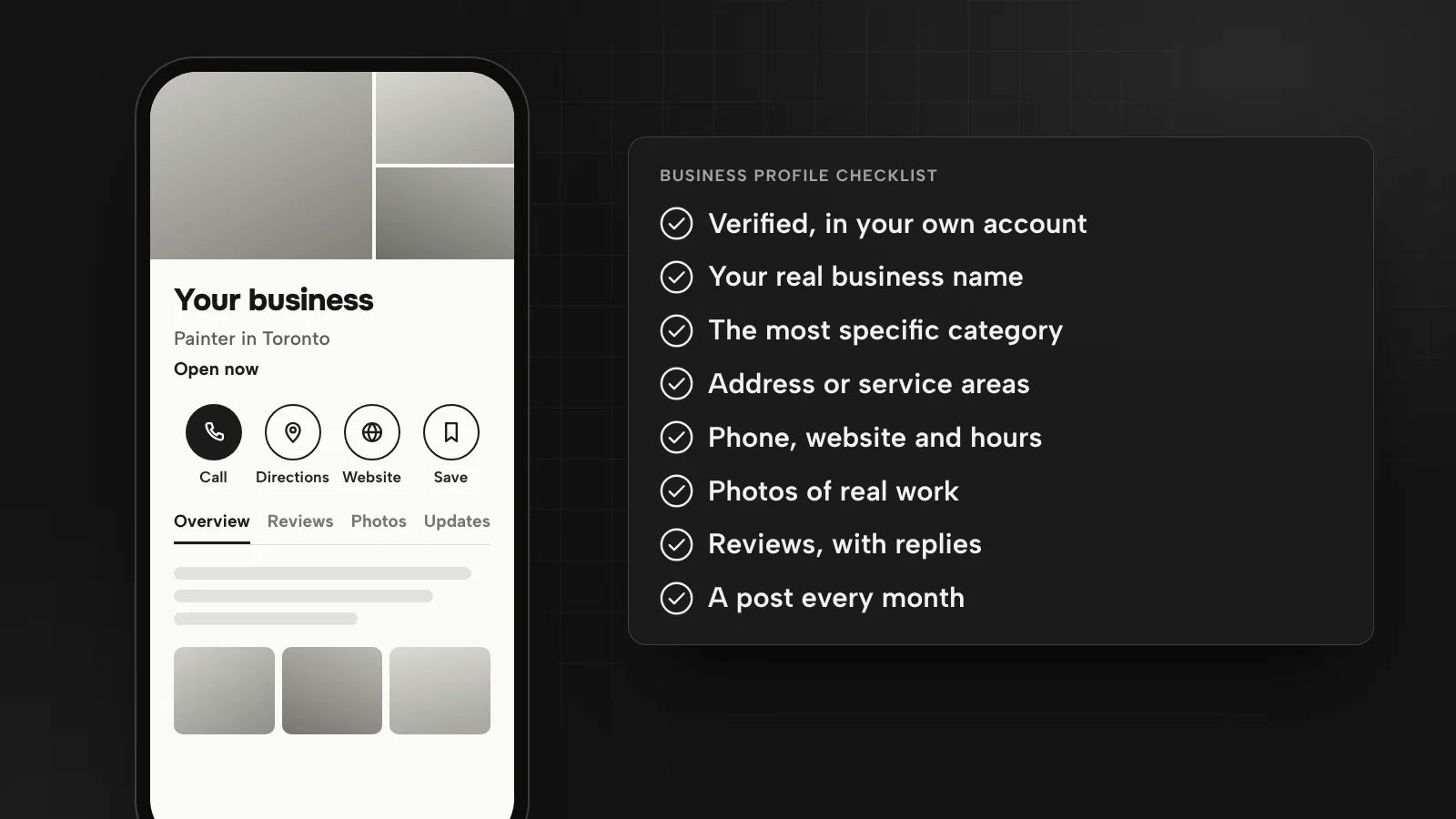
Your Business Profile is often the first thing people see when they search for your business or for a service near them. It answers the basic questions before they reach your website: what you do, where, when you are open and what other customers say. These are the ten checks I make, in the order I make them.
1. Own it and verify it
The profile should belong to the business, in an account the owner controls, with anyone helping you given their own access rather than your password. Google’s guidelines allow only one profile per business, and one per location for a business with several, so find and deal with duplicates before anything else.
Then verify it. Google says verification tells it you’re authorized to represent the business, so the profile is more likely to show up in search results. Google also reviews edits before they go live, so make important changes a few days before you need them.
2. Use your real business name
Google’s guidelines say your name should reflect your real-world business name, as used on your storefront, website and stationery. It must not include marketing taglines, phone numbers, website addresses or location information. If the sign says “Smith Plumbing”, the profile says “Smith Plumbing”, not “Smith Plumbing Toronto 24/7 Emergency Plumber”. The city and the services have their own fields.
3. Choose the most specific categories
Google says the categories you select affect your local ranking. Choose a primary category that best describes the business, and the specific option when one exists: Google’s own example is “Nail salon” rather than “Salon”. Add more only if they describe the business itself. Google asks you not to select a category for every product or service, and you can’t create your own.
Categories also unlock features. Google says some get special options, such as links for online orders, reservations and menus for restaurants, or a booking button and a list of services for health and beauty businesses.
4. Set your address or service areas
If customers visit you, show the address. If you go to them, Google says to remove your address from the profile and set service areas instead: up to 20 cities, postal codes or other areas, with the whole area no more than about two hours of driving from where the business is based. A hybrid business, with a storefront and a service area, can show both.
Google’s guidelines exclude P.O. boxes, mailboxes at remote locations and rented addresses you don’t operate from. A desk in a co-working space counts only with signage, and only if it receives customers and is staffed by your team during business hours.
5. Check phone, website and hours
- Phone: a local number under the business’s direct control. Google recommends a local number over a central call centre helpline whenever possible.
- Website: your own site, not a page that redirects elsewhere. The guidelines rule out URLs that redirect or refer people to pages other than the business’s own, including social media pages.
- Hours: your regular customer-facing hours, plus special hours for holidays, events and short closures. Google suggests confirming your hours for official holidays even when they match your regular hours.
Link the profile to the page that best matches your main category, and make sure the next step is obvious when people land. On the Lumen Painting website, every page leads to the free estimate form, so whichever page a visitor lands on, the request is one step away.
6. Write the description and services
The description can be up to 750 characters, with no URLs or HTML. Say what you do, where, for whom and what makes you different, in the words customers use.
Then fill in services. Google suggests services based on your business type, and you can add custom ones with a price and a description. Google asks you to keep prices, phone numbers and personal information out of custom service names and rejects names that break its policies, so keep them plain: “Interior painting”, “Drain cleaning”, “Laser hair removal”. Add the opening date and the factual attributes that apply to you.
7. Add photos of real work
Google’s photo tips ask for JPG or PNG files between 10 KB and 5 MB, ideally 720 by 720 pixels and at least 250 by 250, in focus, well lit and without heavy filters or AI edits. What to shoot:
- The outside of the building from each direction customers approach, if they visit.
- The inside, as a customer would see it.
- Your team providing different services.
- Finished jobs, ideally before and after, like the project gallery on the Lumen Painting site.
The same photos belong on your website. Before and after shots that sell a job on the profile do the same on a service page.
8. Ask for reviews and reply to them
Google says more reviews and positive ratings can help your local ranking. In your profile, open the reviews section and choose Get more reviews to copy a review link or download a QR code; Google suggests using it on receipts, in thank-you emails and at the end of a chat.
Ask every customer. Google’s content policy bans offering anything in exchange for a review, asking only satisfied customers, discouraging negative reviews, pressuring people on your premises and setting review quotas for staff.
Reply to reviews, good and bad. Google says helpful replies show you’re responsive, and that a reply usually takes up to 10 minutes to be reviewed before it appears, sometimes up to 30 days. If a review breaks Google’s content policies, you can flag it.
9. Post updates and offers
Posts can show text, photos or videos, and come in three kinds: updates, offers and events. You can schedule them and set them to repeat. Google archives posts older than six months unless they have a date range, so a post a month keeps the profile current. Leave phone numbers out of the post text: Google says a post with a number it can’t verify as connected to the business might get rejected.
10. Watch the numbers every month
The Performance section shows interactions, the searches people used to find you, profile views on Search and Maps, calls from the call button, direction requests, website clicks, messages and, with a booking provider, bookings. Views count each person at most once a day. Google updates the searches at the start of each month, and that data can take up to five days to appear, so I review the previous month in the first week of the next.
Calls and direction requests are the numbers closest to revenue. If they fall while views hold, look at the photos, hours and recent reviews first.
For how the profile fits into the rest of local search, read local SEO in Toronto. Profile setup and a review plan are part of my SEO and AI search service, and the wider framework is in digital marketing strategy for small businesses.
Questions
How many categories should a Google Business Profile have?
As few as describe the core business. Google asks you to pick one primary category that best describes you, using the most specific option available, and not to add a category for every product or service. Services and the description are where the rest belongs.
Why isn’t my Business Profile edit showing yet?
Google reviews changes before they go live on the profile, so an edit can take a while to appear. Replies to reviews are reviewed too: usually within 10 minutes, but sometimes up to 30 days. Plan changes such as new hours a few days ahead.
What photos should a local business add to its profile?
Real photos, not stock: the outside from each direction customers approach, the inside as a customer sees it, your team at work and finished jobs. Google asks for JPG or PNG files between 10 KB and 5 MB, ideally 720 by 720 pixels, in focus and without heavy filters or AI edits.
How often should I post on my Google Business Profile?
Google doesn’t set a number, but it archives posts older than six months unless they have a date range. I post at least once a month, such as a recent job, an offer or an event with a photo, and schedule posts ahead so the profile never looks abandoned.
Sources
- How to improve your local ranking on GoogleGoogle Business Profile Help, accessed October 2026
- Guidelines for representing your business on GoogleGoogle Business Profile Help, accessed October 2026
- Manage your business categoryGoogle Business Profile Help, accessed October 2026
- Manage your service areas for service-area & hybrid businessesGoogle Business Profile Help, accessed October 2026
- Edit your Business ProfileGoogle Business Profile Help, accessed October 2026
- Manage your services on your Business ProfileGoogle Business Profile Help, accessed October 2026
- How to set Special hoursGoogle Business Profile Help, accessed October 2026
- Tips for business-specific photos on your Business ProfileGoogle Business Profile Help, accessed October 2026
- Manage customer reviewsGoogle Business Profile Help, accessed October 2026
- Create a Google link or QR code to request reviewsGoogle Business Profile Help, accessed October 2026
- Prohibited & restricted content (fake engagement and rating manipulation)Google Maps user contributed content policy, accessed October 2026
- Create & manage posts on your Business ProfileGoogle Business Profile Help, accessed October 2026
- Understand your Business Profile performance & insightsGoogle Business Profile Help, accessed October 2026

Bugrahan Unsal is a B2B and B2C marketing director in Toronto. He leads marketing for Glass Railing Store and RF Transparent and builds AI tools and websites. More about Bugrahan.
Follow on LinkedIn (opens in a new tab)